Details#
Tools: Unreal Engine 5, VRoid
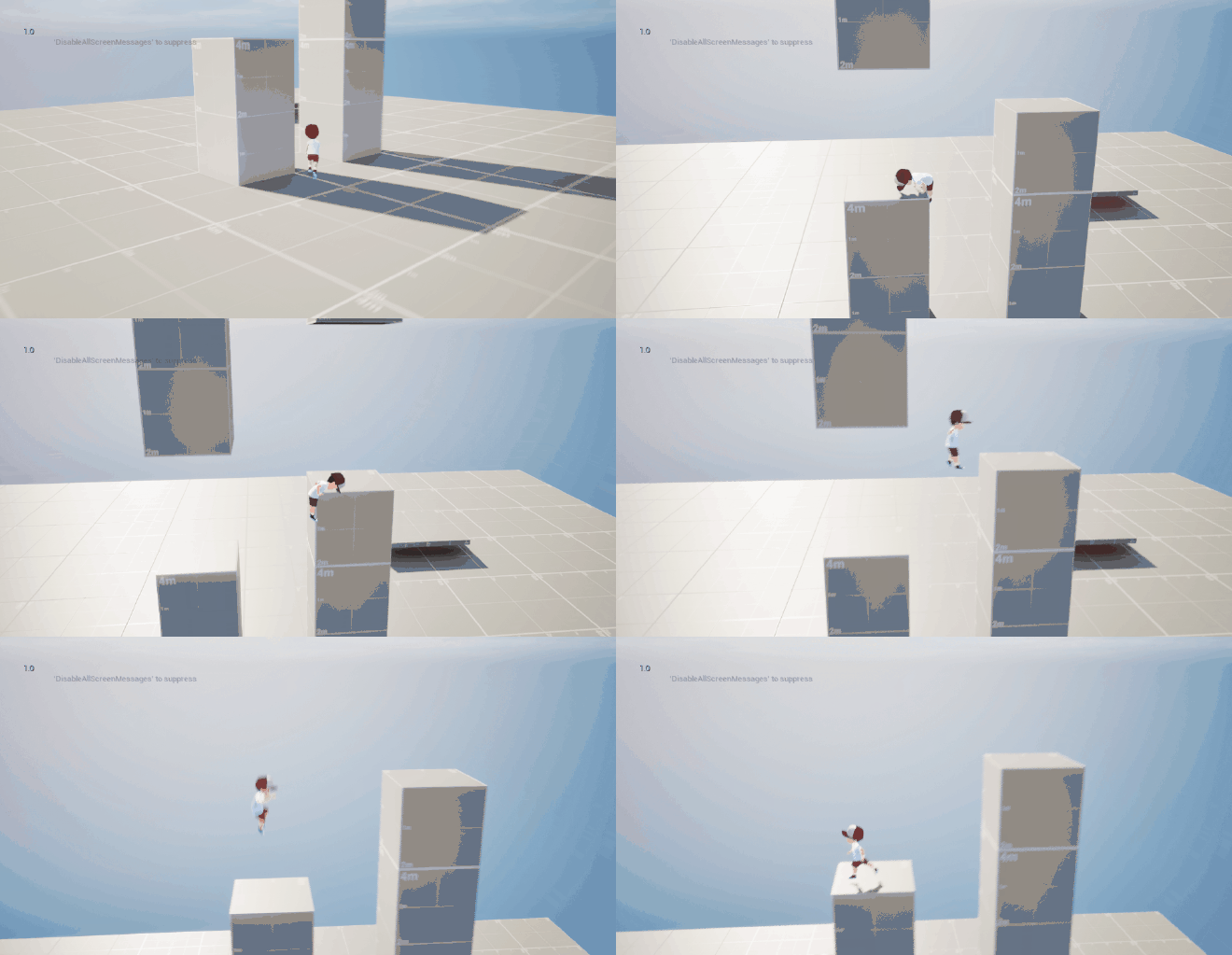
- Implemented Idle-Walk-Run Blend Space, Dash, Wall Jump, and Mantle.
- Implemented PCG to spawn grasses, rocks, foliage and trees.
- Created a blueprint to modularly create woods/stone blocks.
- Created a blueprint spline path that also trigger balancing animation, and adjust character movement speed.
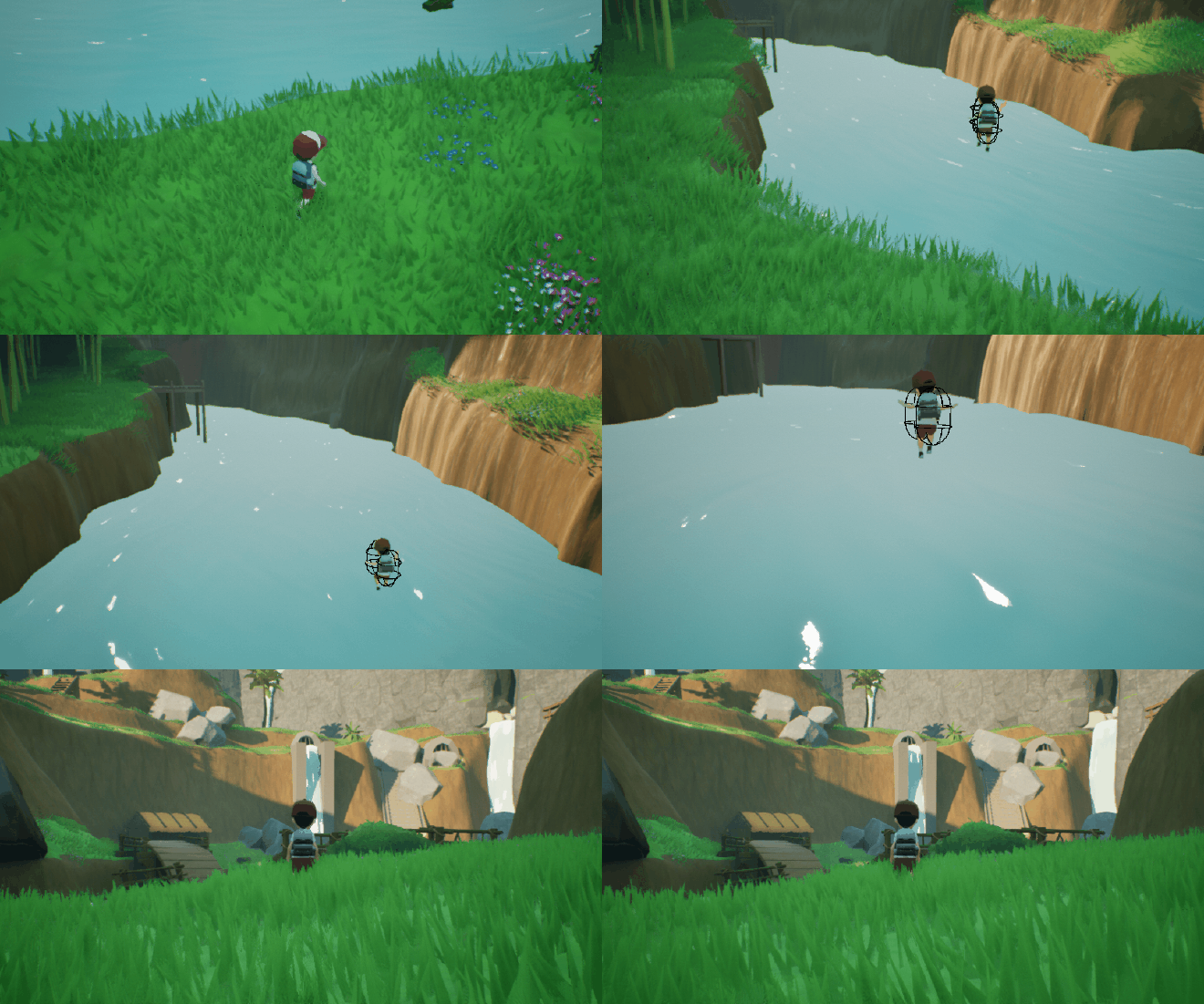
- Created a circular fade material for the death animation.
Assets:
- 3D Assets from VRoid, Kenney, and Epic’s Free Claimed Assets.
- Animation from ALS4, Mixamo, and some made manually using Control Rig.
Development Log:#
Intro#
This project initially started around the end of April 2024 and was made just for fun in my free time. It’s also as a practice on developing an entire game from start to finish.
Level Design#
When I first started the project I made the initial level using Gaea for the terrain and then painted, and resculpt the terrain in Unreal Engine. Added some grass and trees using PCG, and manually added some static meshes.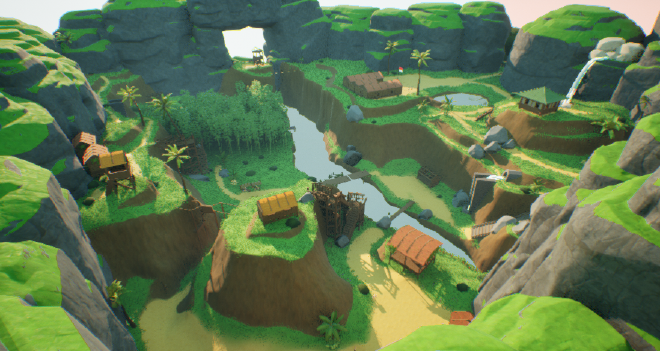
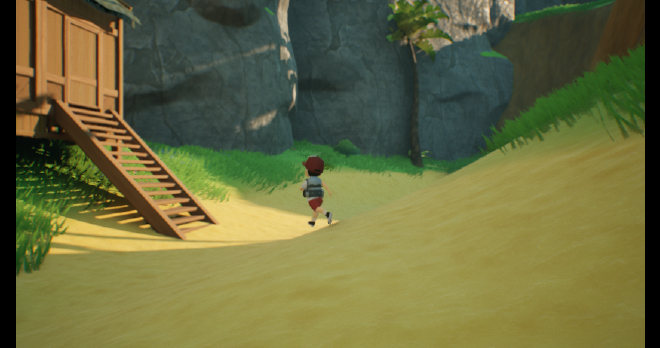
After I tested out the level, for visuals and overall layout, I’m quite satisfied with the result. But then, when I tried plotting the gameplay flow and progression, I was quite stuck. Because this level was made without good documentation I’m thinking about remaking it. So I left out this level for now.
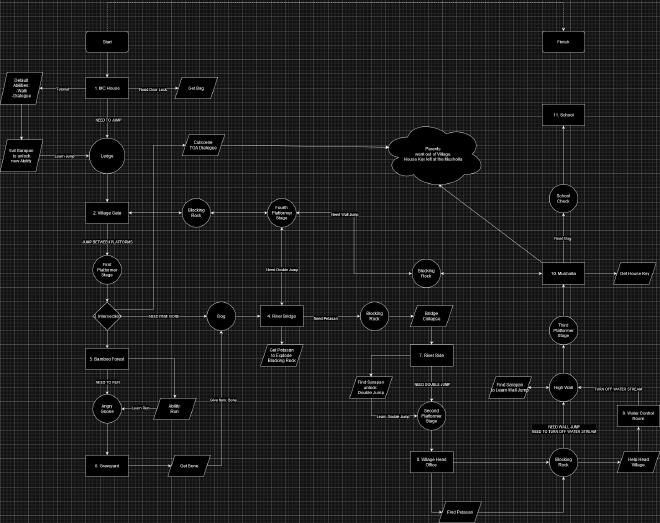
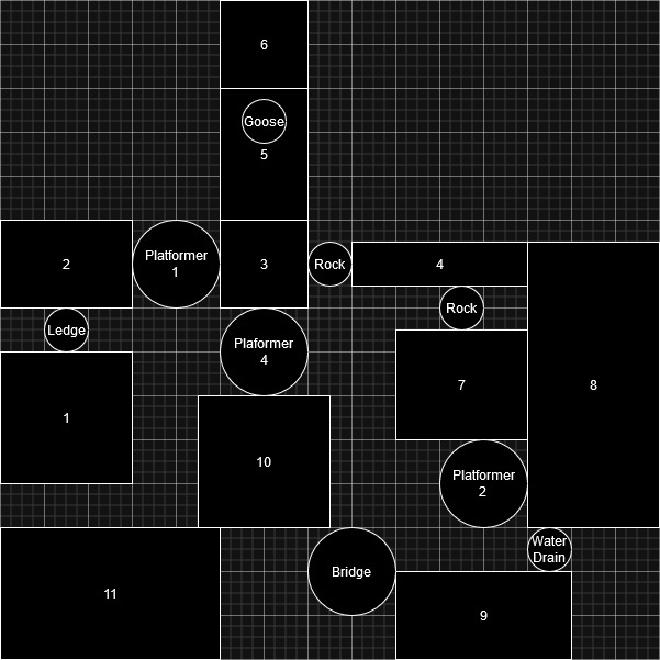
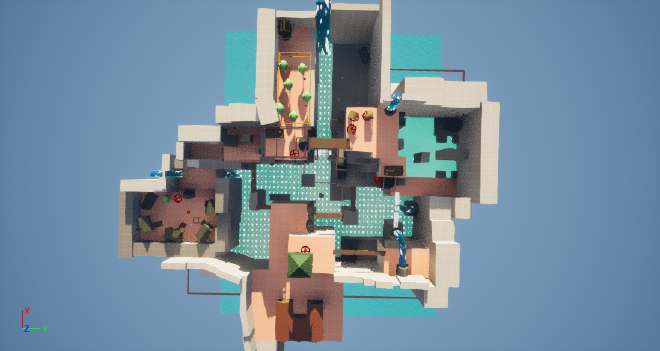
So I made the new level from the beginning. I start recreating it by making the flow diagram of the game level, this will include: the section of the level, what is the “gate” to reach the next section, and what collectible or mechanic inside of a section.
Features#
Dialogue#
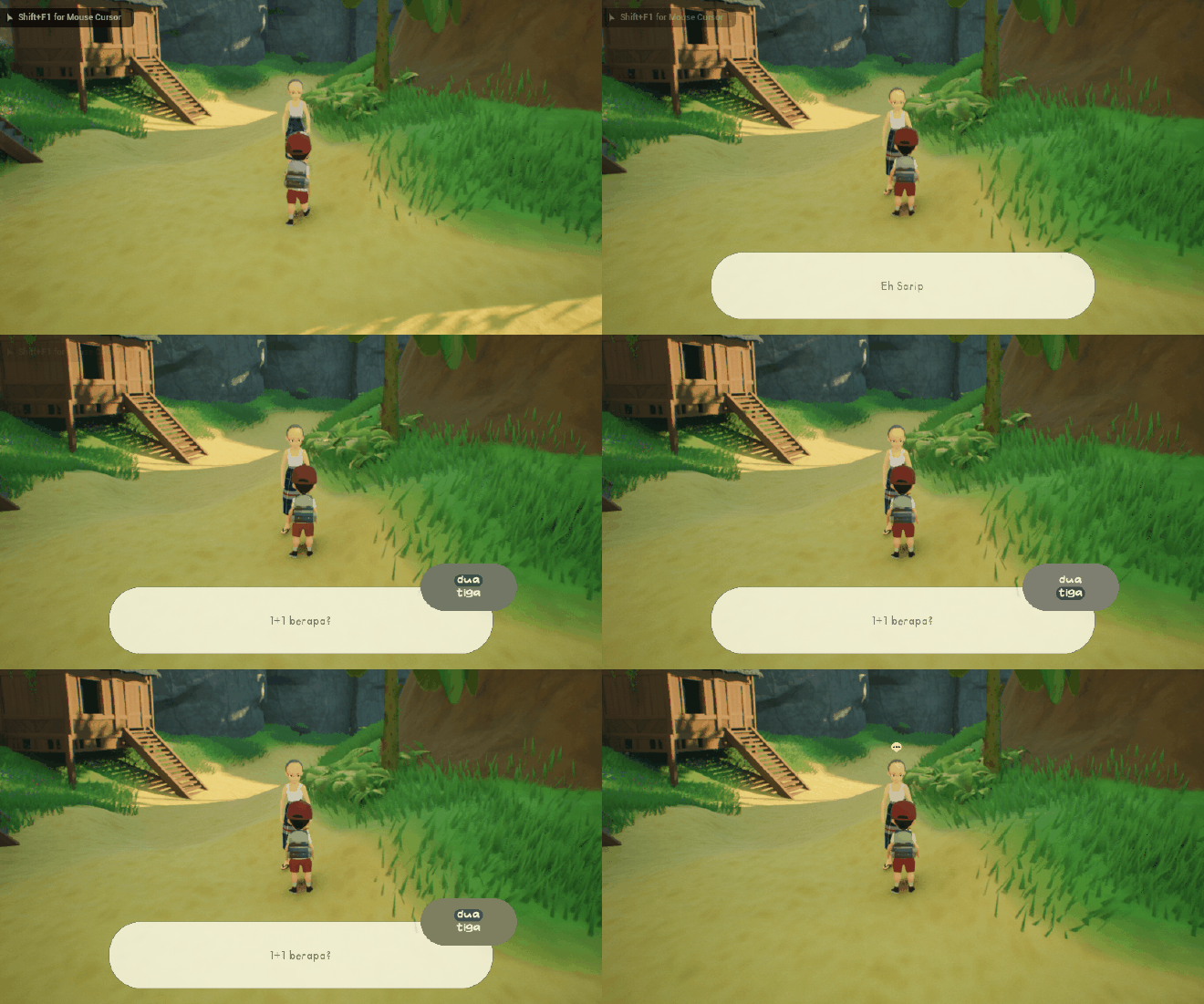
Made using behavior tree to dynamically create dialogue, whether to only display a text line or a question with multiple choices.
Radial Fade#
Explosion#
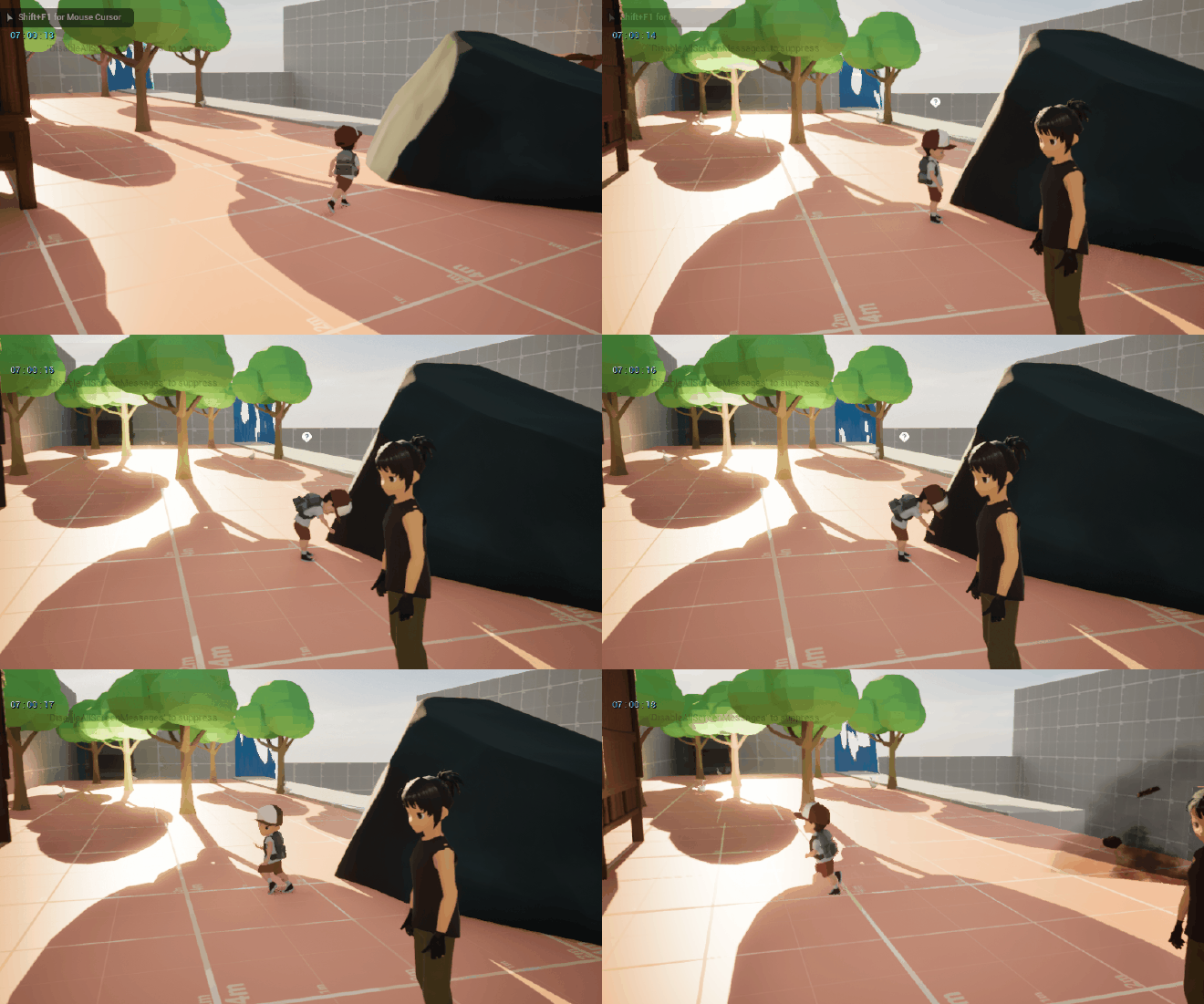
Jump, Wall Jump, Mantle System#